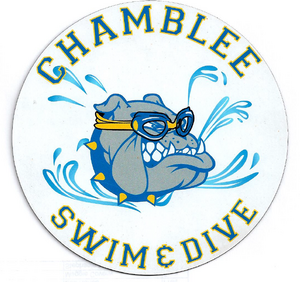
2026 Car Magnet
Price:
$5.00

Swimsuit Orders: All CHS swimmers and divers must wear a CHS team suit at all meets and competitions. You may buy a new suit or wear last year's suit. All suits are ordered directly from the retailer:
https://theswimteamstore.net/teamlogin/index/loginpost?username=chamblee&password=school
Username-chamblee
PW-school


1. Go to the Spiritwear website and enter your email address and password if you have previously ordered in the Already have an Account? fields. Click Login. If you are a new user, please enter the requested information in the Sign Up fields and then click Sign Up.
2. The first time you login, you will need to add your info to your account. Going forward, you will not be required to re-enter any of this information and will just select the account for which you are ordering. If you have ordered from Soccer Village through Team Hub before, click the pencil icon above the club badge to update the club code to the new one.
4. Once you select Add a New Player, the system will prompt you to enter the club code ChambSwimDive26. After entering your club code, you will need to either hit enter on your keyboard or click the search icon. You will then need to update all of the remaining fields. Once finished, Select the club logo to enter the Store.
Click here to view and subscribe to our team calendar. All of our events with built-in reminder alerts will sync to your calendar app.

Order at ChambleeSplashdown.com now through September 15th or during our second order window in February. Signs will be printed with your senior's first name and 2027!
To create an account after registering: click on login (in the top right corner) and enter your email address. Click on forgot password and Swimtopia will send you an email to change your password. Put in a new password, login and you will see your information. You can add a swim suit, edit your profile, etc. This will also enable you to see specific information on the Swimtopia mobile app.